
FAB ATM Balance Check UAE (2026): Complete Guide
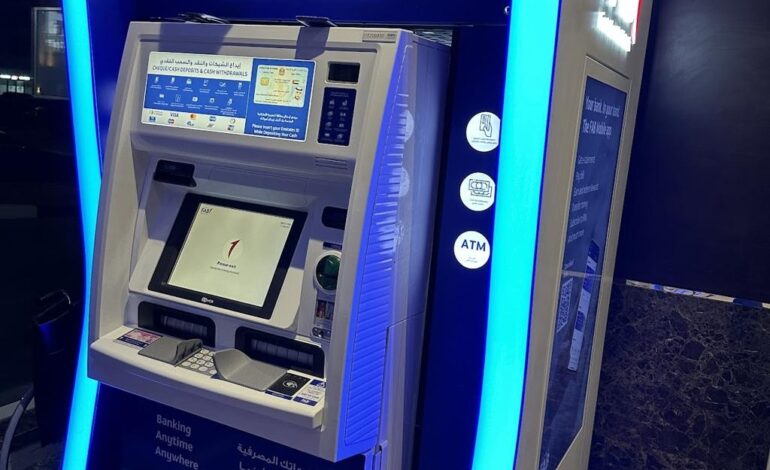

Checking your bank balance regularly is one of the easiest ways to manage your finances. Whether you receive your salary in a First Abu Dhabi Bank (FAB) account or use it for daily transactions, knowing your available balance helps you avoid declined payments, overdrafts, and unexpected charges.
FAB offers several convenient options to check your account balance. You can use an ATM, mobile banking app, online banking, SMS banking, or contact customer support. These services are designed to give customers quick and secure access to their account information anytime.
In this guide, you’ll learn all the available methods to check your FAB ATM balance in the UAE, along with useful tips, common issues, and answers to frequently asked questions.
Quick Answer
If you need to check your FAB account balance quickly:
- Insert your FAB Debit Card into any FAB ATM.
- Enter your 4-digit PIN.
- Select Balance Inquiry.
- Your available account balance will appear on the ATM screen.
- You can also print a receipt if needed.
This is the fastest method when you’re near an ATM.
Different Ways to Check Your FAB Account Balance
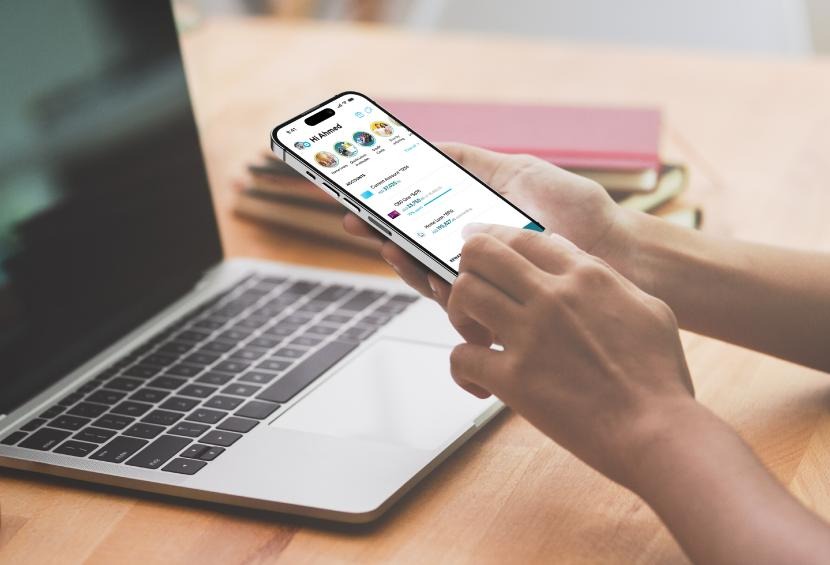
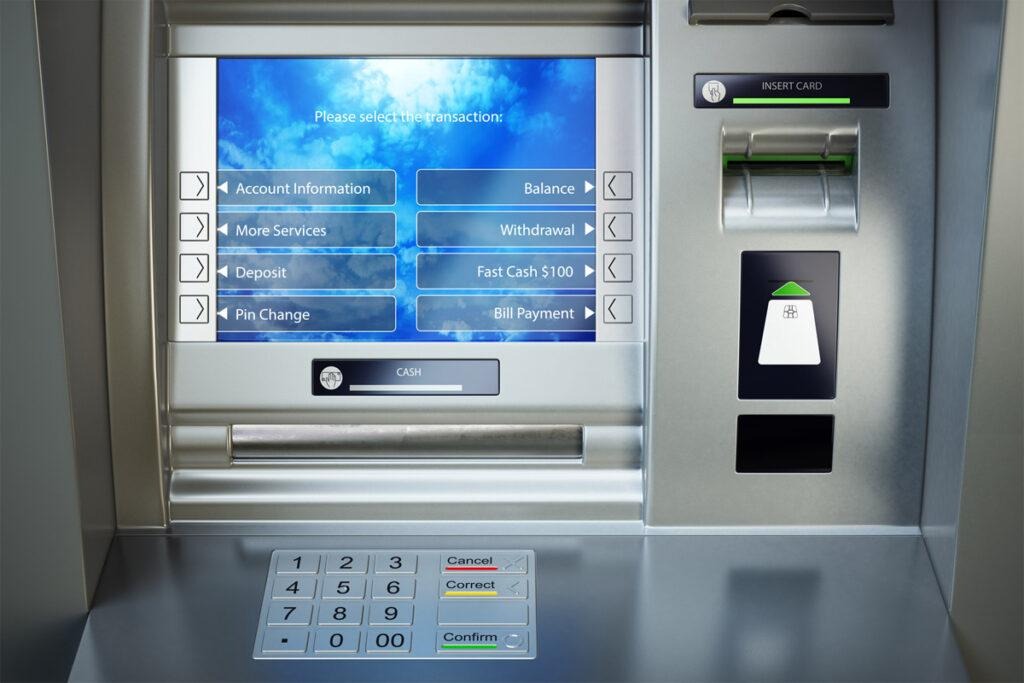
FAB provides several ways to check your balance. Choose the one that best suits your needs.
| Method | Internet Required | Available 24/7 |
| FAB ATM | No | ✅ |
| FAB Mobile App | Yes | ✅ |
| FAB Online Banking | Yes | ✅ |
| SMS Banking | No | ✅ |
| Customer Service | No | ✅ |
Each method is secure and allows you to monitor your finances with ease.
Method 1: Check FAB Balance at an ATM
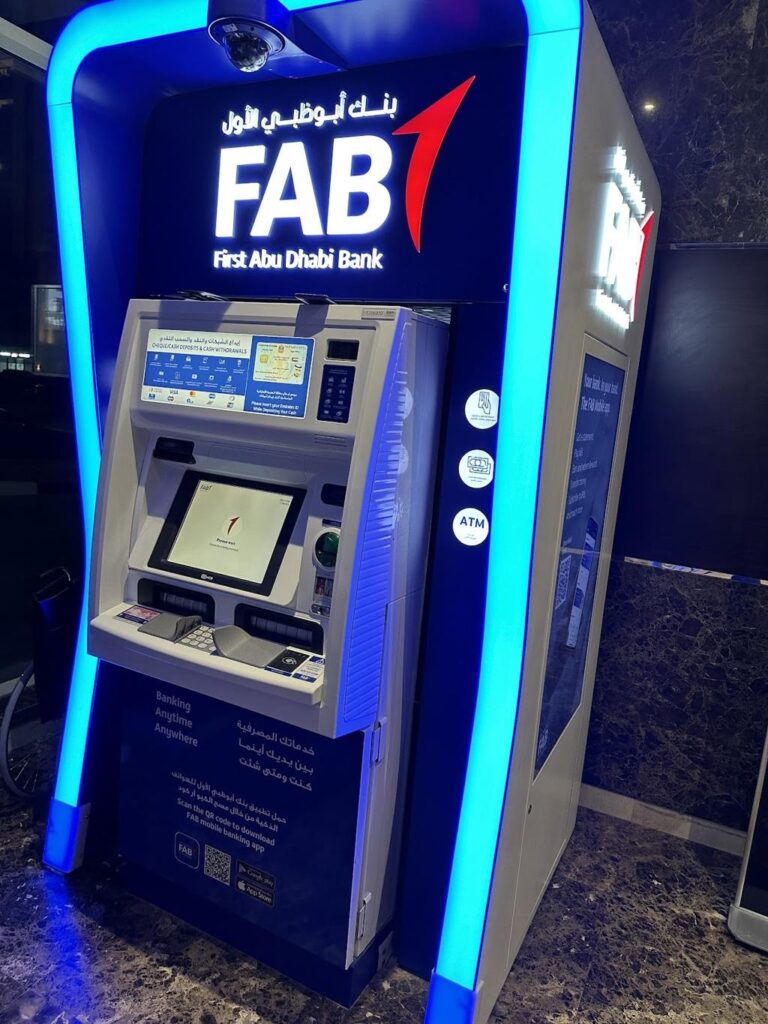
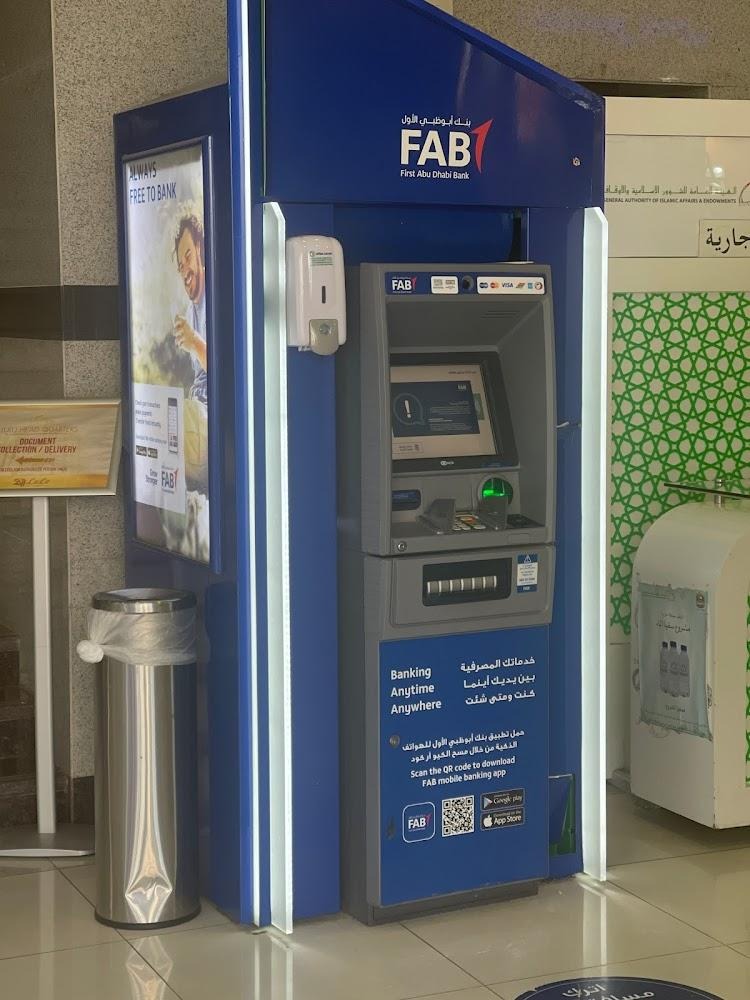
Using an ATM is one of the most common ways to check your balance.
Steps to Check Your Balance
- Visit any FAB ATM.
- Insert your FAB debit or ATM card.
- Enter your PIN.
- Choose Balance Inquiry.
- Wait for your account balance to appear.
- Print a receipt if you need a physical record.
This service is available 24 hours a day.
Benefits of Using an ATM
- Fast and secure
- No internet required
- Available across the UAE
- Option to print a balance receipt
Method 2: Check Balance Using the FAB Mobile App
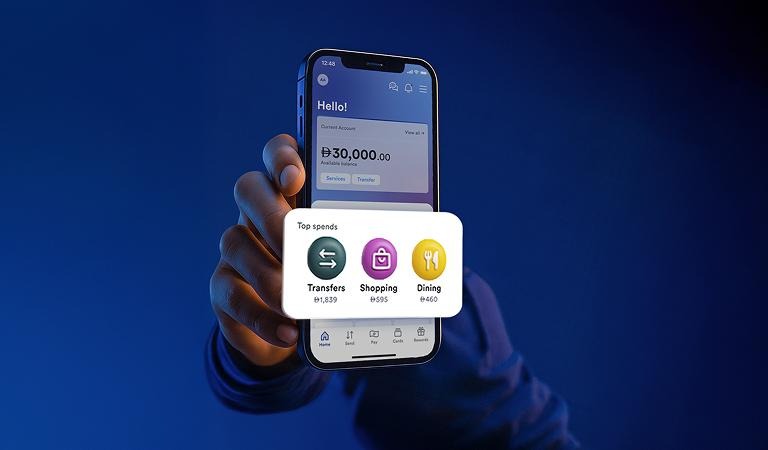
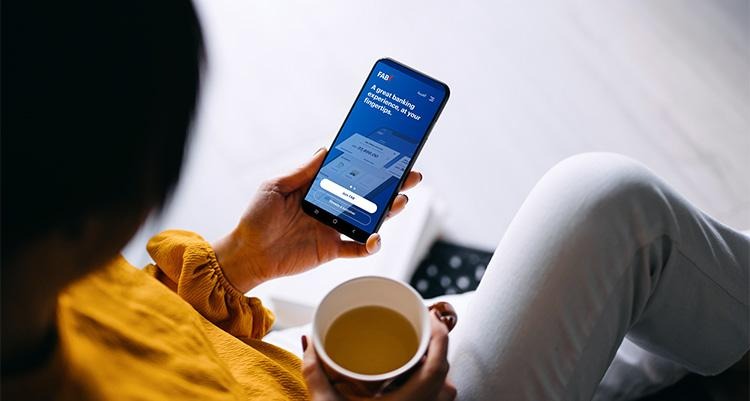
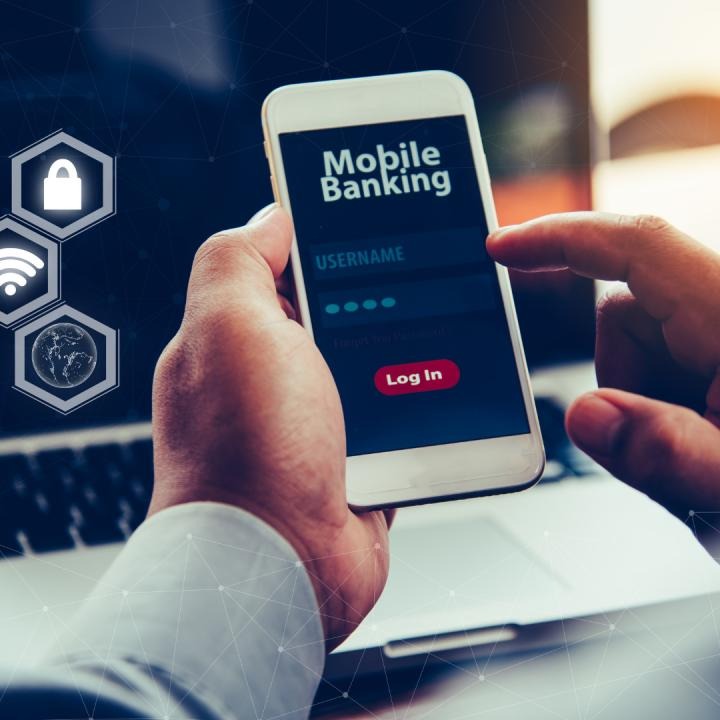
The FAB Mobile Banking App lets you access your account anytime from your smartphone.
How to Check Your Balance
- Download the FAB Mobile Banking App.
- Log in using your username or biometric login.
- Tap on your account.
- Your available balance and recent transactions will be displayed.
Features of the App
- Instant balance updates
- View transaction history
- Transfer money
- Pay utility bills
- Manage credit cards
- Download account statements
The mobile app is ideal for customers who want to manage their finances on the go.
Method 3: Check FAB Balance Through Online Banking
If you prefer using a computer, FAB Online Banking offers a convenient way to check your account.
Steps
- Open the official FAB online banking portal.
- Sign in securely.
- Select your account.
- Your balance, transaction history, and account details will be in front of you.
Online banking is especially useful for customers who need detailed financial information or downloadable account statements.
Method 4: Check FAB Balance Using SMS Banking

If you don’t have internet access, SMS Banking is another convenient way to remain updated on your account. Customers who have registered for SMS alerts receive notifications for salary deposits, withdrawals, purchases, and other account activities.
Benefits of SMS Banking
- No internet connection required
- Instant account alerts
- Helps monitor spending
- Secure and convenient
- Available anytime
SMS notifications are especially useful if you want to know when your salary has been credited or when money leaves your account.
Method 5: Check Your Balance Through Customer Service

If you are unable to access an ATM or the mobile app, you can contact FAB Customer Service.
After verifying your identity, the representative can help you with:
- Account balance inquiries
- Recent transactions
- Debit card issues
- Mobile banking assistance
- General banking services
Keep your Emirates ID or account information ready for verification.
Can You Check Your FAB Balance Without Internet?
Yes.
Several methods work without Wi-Fi or mobile data.
These include:
- FAB ATM
- SMS Banking
- Customer Service
- ATM Receipt
These options are helpful if you’re traveling or experiencing internet connectivity issues.
Why Should You Check Your Bank Balance Regularly?
Regularly checking your account balance can help you manage your finances more secure.
Advantages
- Avoid declined card payments
- Track your salary deposits
- Monitor spending habits
- Detect unauthorized transactions
- Plan monthly expenses
- Stay within your budget
Even checking your balance once every few days can improve your financial awareness.
Common FAB Balance Check Problems
Sometimes customers face minor issues while checking their account balance.
| Problem | Possible Solution |
| ATM not reading card | Clean the card or try another ATM |
| Wrong PIN entered | Wait and retry carefully |
| Mobile app not opening | Update the app or restart your phone |
| Internet banking login issue | Reset your password |
| ATM temporarily unavailable | Visit another nearby FAB ATM |
| SMS alerts not received | Confirm your mobile number is registered |
Most of these problems can be resolved quickly without visiting a branch.
Safety Tips When Checking Your Balance
Protecting your banking information is just as important as checking your balance.
Follow these simple safety tips:
- Never share your PIN with anyone.
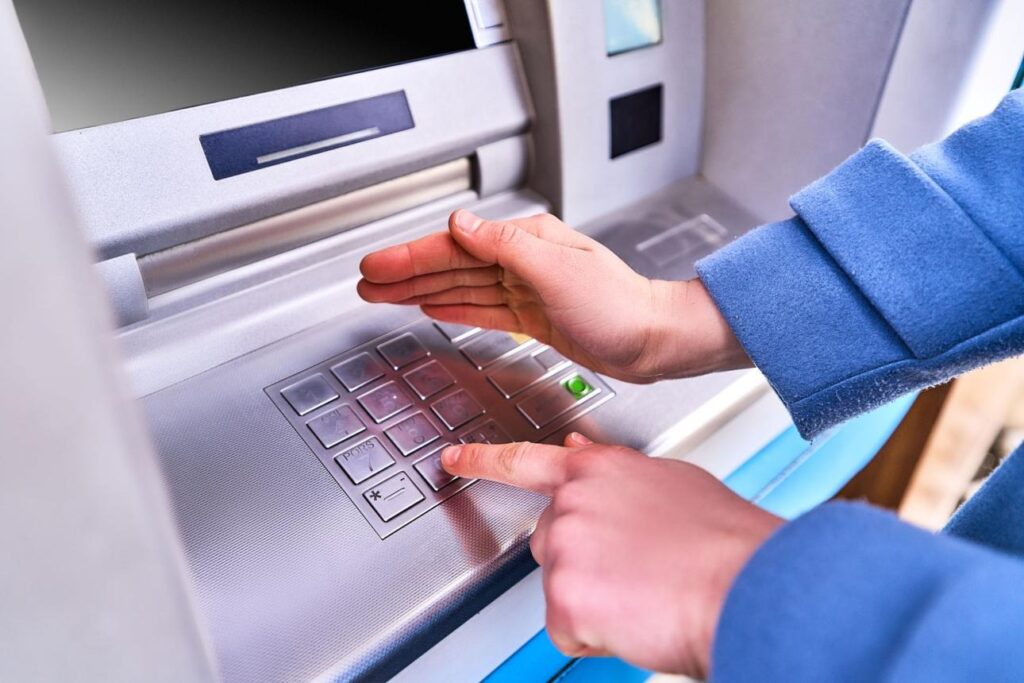
- Cover the keypad while entering your PIN.
- Avoid using public Wi-Fi for online banking.
- Log out after using mobile or internet banking.
- Enable transaction alerts.
- Report lost or stolen cards immediately.
- Regularly update your banking app.
These habits can help protect your account from fraud.
FAB Balance Check Methods Comparison
| Method | Fast | Internet Needed | Available 24/7 |
| FAB ATM | ⭐⭐⭐⭐⭐ | ❌ | ✅ |
| Mobile Banking App | ⭐⭐⭐⭐⭐ | ✅ | ✅ |
| Online Banking | ⭐⭐⭐⭐ | ✅ | ✅ |
| SMS Banking | ⭐⭐⭐⭐ | ❌ | ✅ |
| Customer Service | ⭐⭐⭐ | ❌ | ✅ |
Choose the method that best fits your situation and preferences.
Tips to Manage Your FAB Account Better
To make the most of your FAB account:
- Check your balance regularly.
- Review your transaction history.
- Enable SMS and app notifications.
- Keep your contact details updated.
- Avoid sharing your banking credentials.
- Use secure passwords and biometric login where available.
These simple practices can help you stay in control of your finances.
Frequently Asked Questions (FAQs)
1. Can I check my FAB account balance at any FAB ATM?
Yes. You can use your FAB debit or ATM card at any FAB ATM in the UAE to view your account balance.
2. Is checking my balance at a FAB ATM free?
Balance inquiries at FAB ATMs are generally available without an additional fee for FAB customers. However, fees may apply when using certain non-FAB ATMs.
3. Can I check my FAB balance without the internet?
Yes. You can use a FAB ATM, SMS banking, or contact customer service without needing an internet connection.
4. Does the FAB Mobile App show recent transactions?
Yes. The app displays your available balance, transaction history, account details, and other banking services.
5. What should I do if my balance looks incorrect?
If you notice an unexpected balance or transaction, review your recent activity and contact FAB Customer Support as soon as possible for assistance.
Final Thoughts
Checking your FAB ATM balance is quick, secure, and easy. Whether you prefer using an ATM, the FAB Mobile Banking App, online banking, SMS alerts, or customer service, there are multiple ways to stay updated on your account.
By reviewing your balance regularly and following basic banking safety tips, you can better manage your finances, avoid unnecessary issues, and keep track of your spending with confidence.