


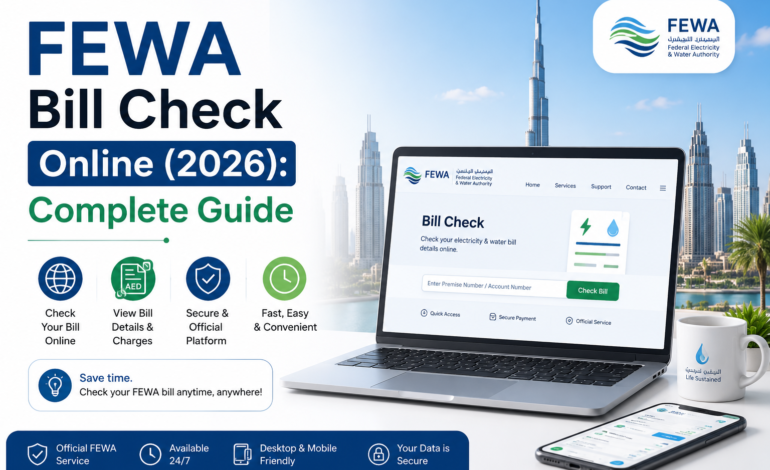

If you are living in the Northern Emirates of the UAE, checking your electricity and water bill online is easier than ever. Many people still search for FEWA Bill Check, even though the Federal Electricity and Water Authority (FEWA) now operates under Etihad Water and Electricity (EtihadWE).
Whether you want to check your latest bill, download an invoice, pay online, or understand your electricity and water charges, this guide covers everything you need in simple language.
In this article, you will learn:
- What FEWA is and why it changed its name
- How to check your FEWA bill online
- Different payment methods
- How to download your bill
- How to understand each section of your bill
- Tips to reduce your monthly electricity bill
- Frequently asked questions
What is FEWA?
6
FEWA (Federal Electricity and Water Authority) was the government authority responsible for supplying electricity and water to residents in several Northern Emirates.
Today, FEWA has been replaced by Etihad Water and Electricity (EtihadWE). Although the name has changed, many residents still use the term FEWA Bill Check when searching online.
EtihadWE continues to provide reliable utility services with improved digital features, making it easier for customers to manage their accounts from anywhere.
Areas Covered by FEWA (EtihadWE)
Etihad Water and Electricity supplies electricity and water services in several Northern Emirates.
These include:
| Emirate | Electricity | Water |
| Ajman | ✅ | ✅ |
| Ras Al Khaimah | ✅ | ✅ |
| Fujairah | ✅ | ✅ |
| Umm Al Quwain | ✅ | ✅ |
| Some Northern Regions | ✅ | ✅ |
If you live in Dubai or Abu Dhabi, your utility provider is different.
Why Do People Search for “FEWA Bill Check”?
Many long-time UAE residents still remember the old FEWA name.
Common reasons include:
- Checking monthly bills
- Paying outstanding balances
- Downloading invoices
- Tracking electricity usage
- Viewing payment history
- Checking due dates
Even today, “FEWA Bill Check” remains one of the most searched utility-related keywords in the UAE.
Benefits of Checking Your Bill Online
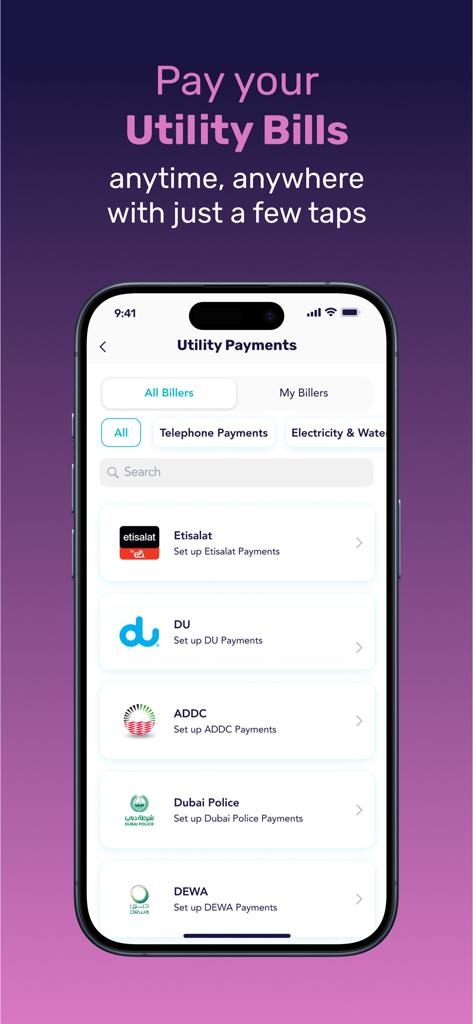
Online bill checking saves both time and effort.
Some major benefits include:
- Instant access to your latest bill
- No need to visit a customer service center
- Secure online payments
- Downloadable PDF invoices
- Easy bill history tracking
- Access from anywhere
- Faster customer support
Information You Need Before Checking Your FEWA Bill
Before checking your bill, keep these details ready:
- Account Number
- Customer Number (if applicable)
- Registered mobile number
- Emirates ID (for some services)
- Internet connection
Having this information ready makes the process much quicker.
How to Check FEWA Bill Online
5
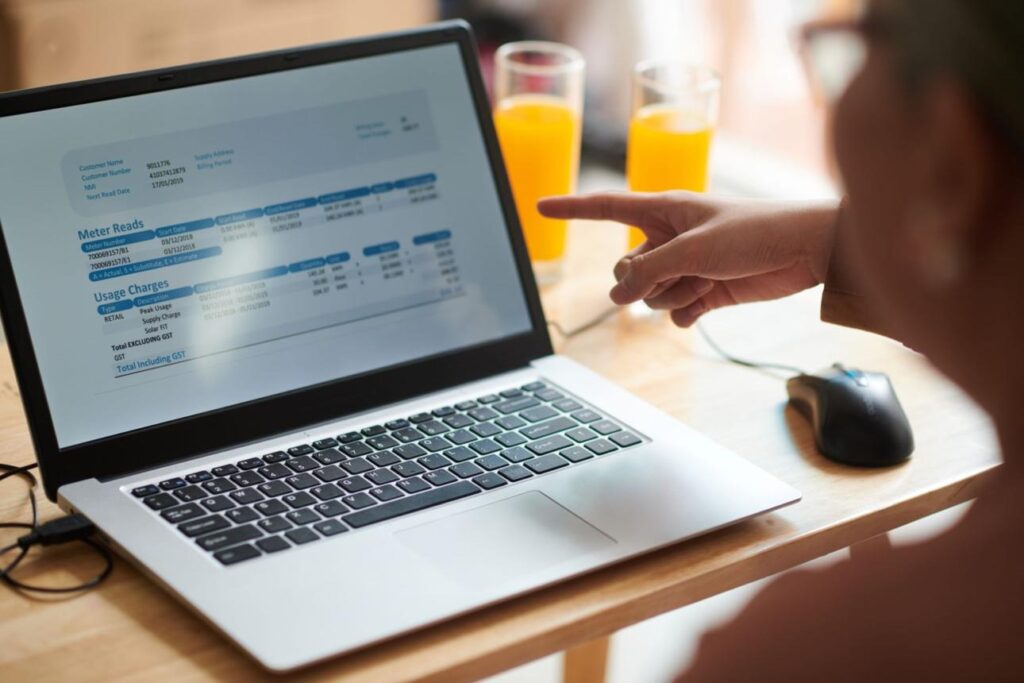
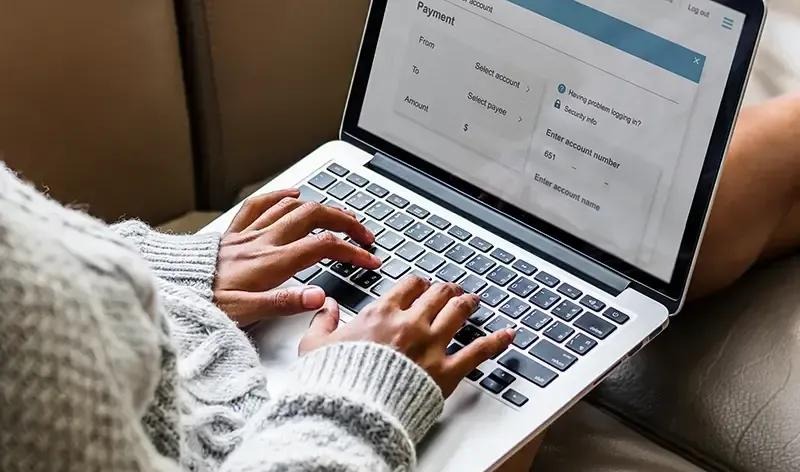
Checking your bill online only takes a few minutes.
Step 1: Visit the Official Website
Open the official Etihad Water and Electricity website.
Step 2: Select Bill Inquiry
Look for the Bill Inquiry or Quick Bill Check option.
Step 3: Enter Your Account Number
Type your utility account number exactly as shown on your previous bill.
Step 4: Verify Your Details
Double-check your account information before submitting.
Step 5: View Your Bill
After verification, you can instantly see:
- Outstanding balance
- Current month’s charges
- Due date
- Previous payments
- Consumption details
What Information Appears on Your FEWA Bill?
Once your bill loads, you will usually see the following information.
| Bill Section | Description |
| Account Number | Unique customer account |
| Customer Name | Registered account holder |
| Billing Period | Month being billed |
| Meter Number | Electricity or water meter ID |
| Previous Reading | Previous month’s reading |
| Current Reading | Latest reading |
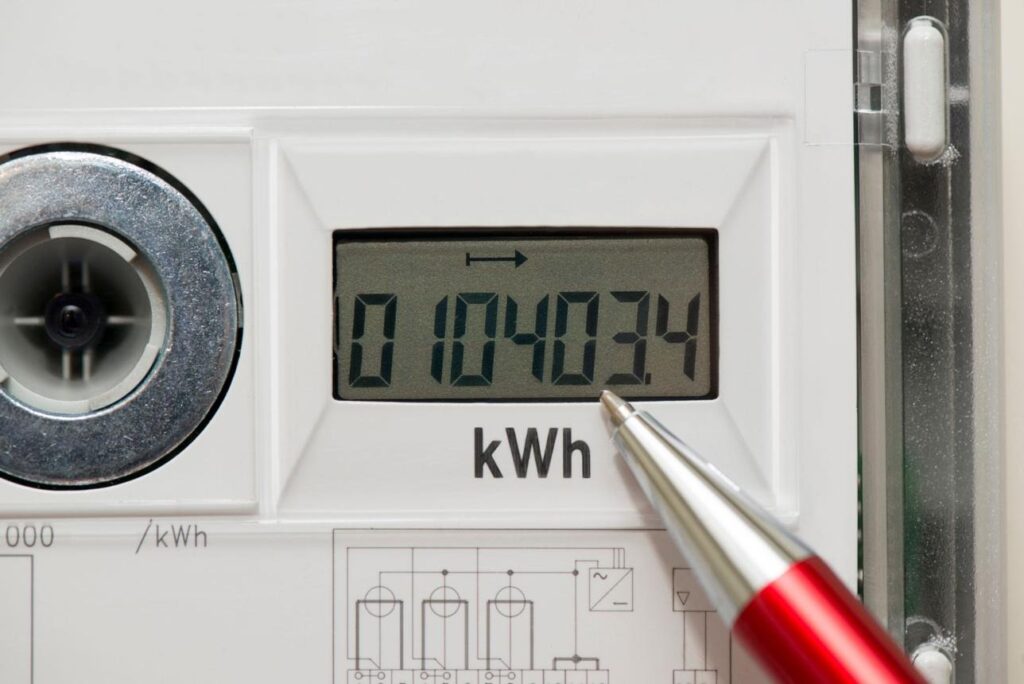
| Electricity Usage | Units consumed (kWh) |
| Water Usage | Water consumption |
| VAT | Government tax |
| Total Amount | Amount payable |
| Due Date | Payment deadline |
Understanding these sections helps you track your monthly usage more effectively.
How to Download Your FEWA Bill
Downloading your bill is useful for visa applications, rental records, reimbursements, and business documentation.
Simply:
- Open your bill.
- Select Download PDF.
- Save the file to your phone or computer.
- Print it if needed.
Keeping digital copies also makes it easier to review your billing history over time.
Can You Check FEWA Bills Without Logging In?
Yes, in many cases you can use the quick bill inquiry option by entering your account number. However, signing in to your account provides additional features such as payment history, consumption reports, and saved payment methods.
Check Your FEWA Bill Using the Mobile App
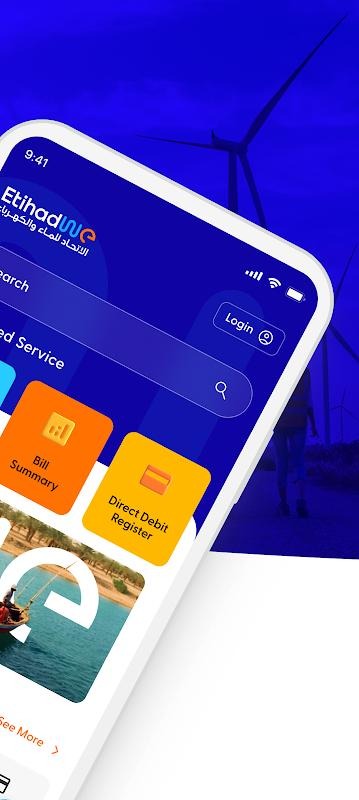
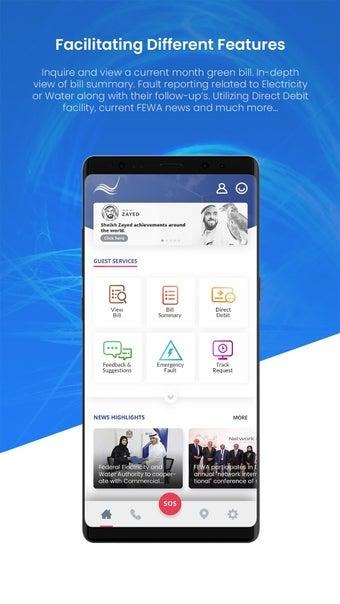
The Etihad Water and Electricity (EtihadWE) mobile app makes it easy to manage your electricity and water account anytime, anywhere. Instead of visiting a customer service center, you can complete most tasks directly from your smartphone.
Benefits of Using the Mobile App
The app offers several useful features, including:
- Check your latest bill instantly
- View previous bills
- Pay bills securely
- Download payment receipts
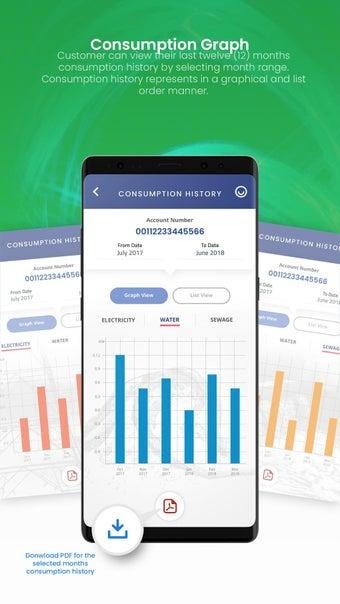
- Monitor electricity and water usage
- Receive bill due date notifications
- Manage multiple utility accounts
- Submit service requests
This is especially helpful for customers who want quick access to their utility information while traveling or away from home.
How to Check Your Bill Using the Mobile App
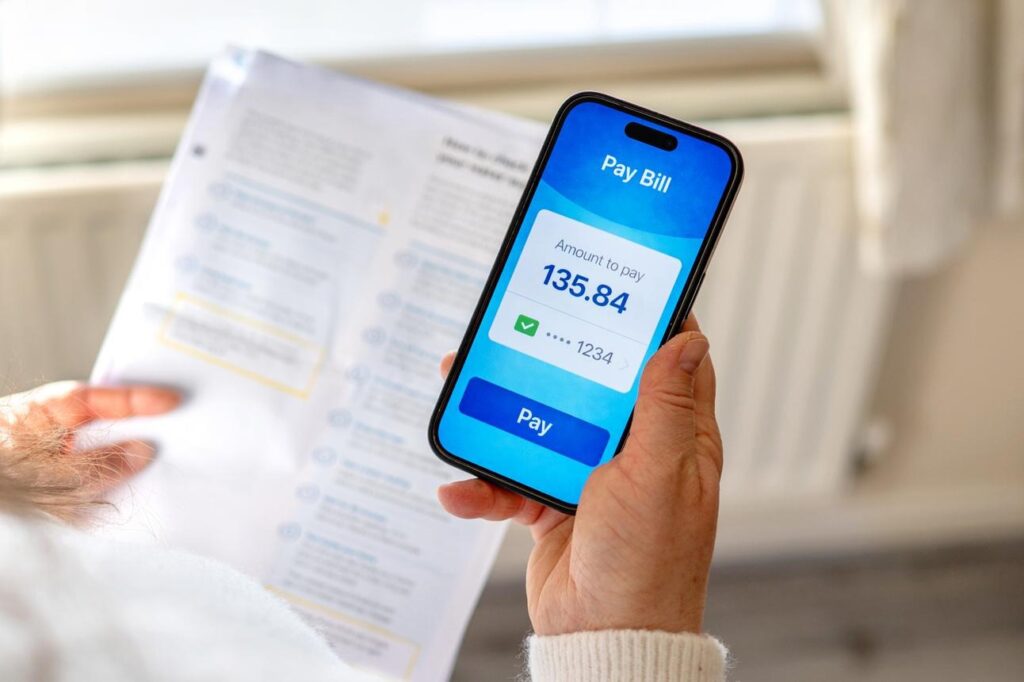
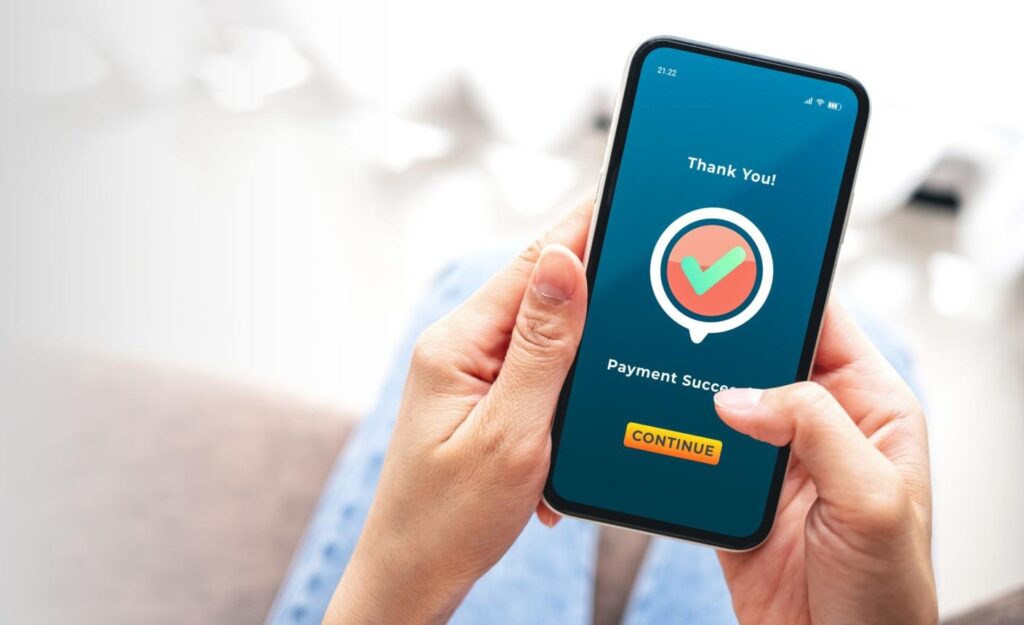
Follow these simple steps:
Step 1: Install the App
Download the official EtihadWE app from your device’s app store.
Step 2: Log In
Sign in using your registered account details.
Step 3: Add Your Account
If this is your first time using the app, enter your utility account number.
Step 4: Open Bill Details
Tap on Bills to view:
- Current bill
- Outstanding balance
- Due date
- Previous invoices
Step 5: Download or Pay
You can download your invoice as a PDF or pay your bill immediately.
Different Ways to Pay Your FEWA Bill
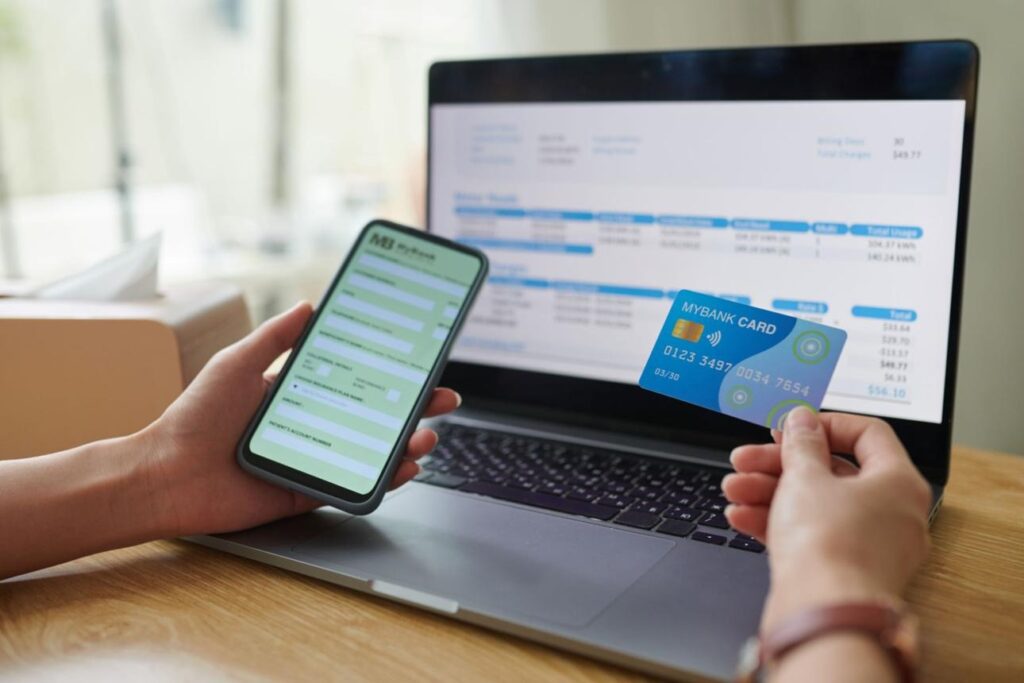
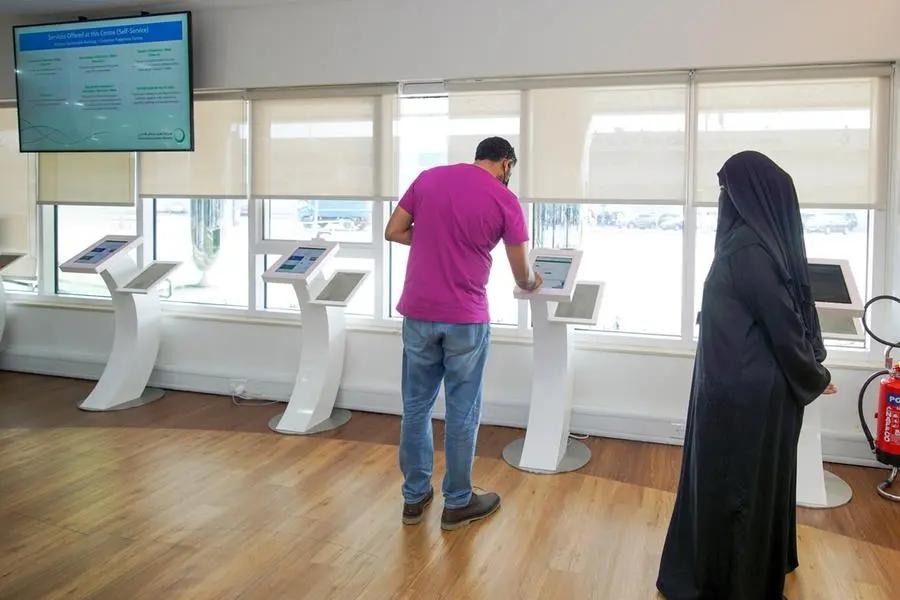
EtihadWE provides several convenient payment options.
1. Online Payment
The fastest option is paying through the official online portal.
Advantages include:
- Instant confirmation
- Secure payment gateway
- Available 24/7
- No paperwork
2. Mobile App Payment
Many customers prefer paying through the mobile app because it only takes a few taps.
Payments can usually be completed within minutes.
3. Credit or Debit Card
Accepted cards generally include:
- Visa
- Mastercard
After entering your card details, you’ll receive a payment confirmation.
4. Online Banking
Most UAE banks allow utility bill payments through internet banking or mobile banking apps.
This option is useful if you regularly pay household bills from your bank account.
5. Customer Happiness Centers
Customers who prefer in-person service can visit authorized customer service centers to:
- Pay bills
- Request new connections
- Update account information
- Ask billing questions
Can You Set Up Automatic Bill Payments?
Yes.
Automatic payments help avoid missed due dates.
Benefits include:
- No late payment worries
- Bills paid automatically every month
- Saves time
- Reduces service interruption risk
How to Download Old FEWA Bills
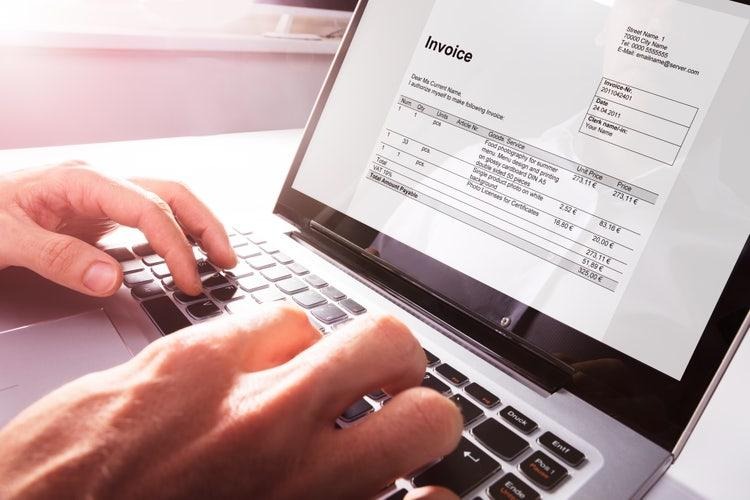
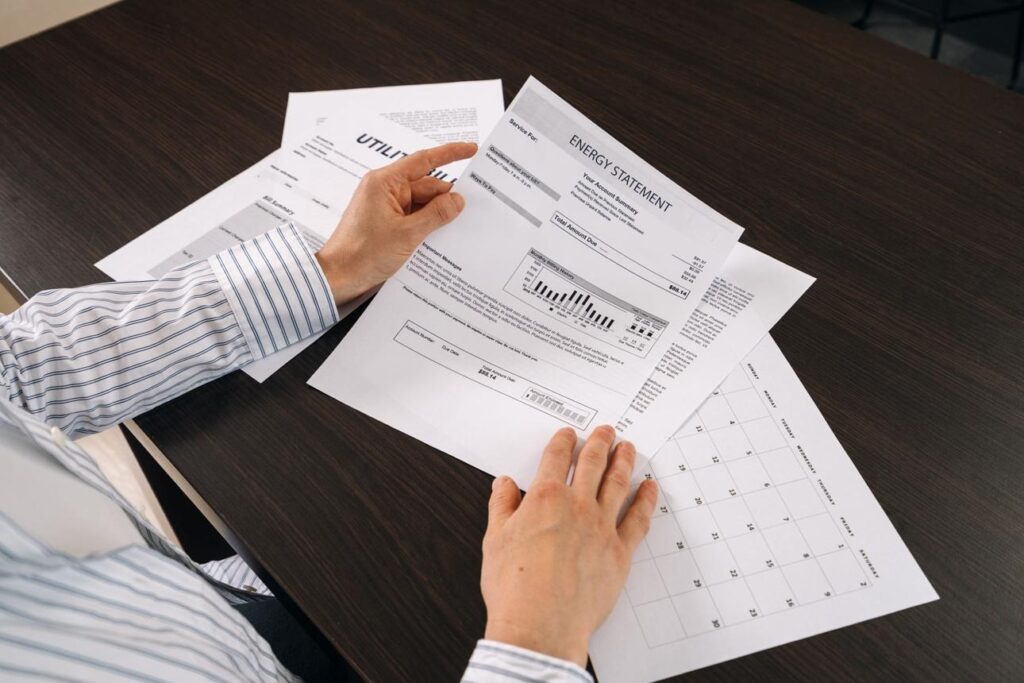
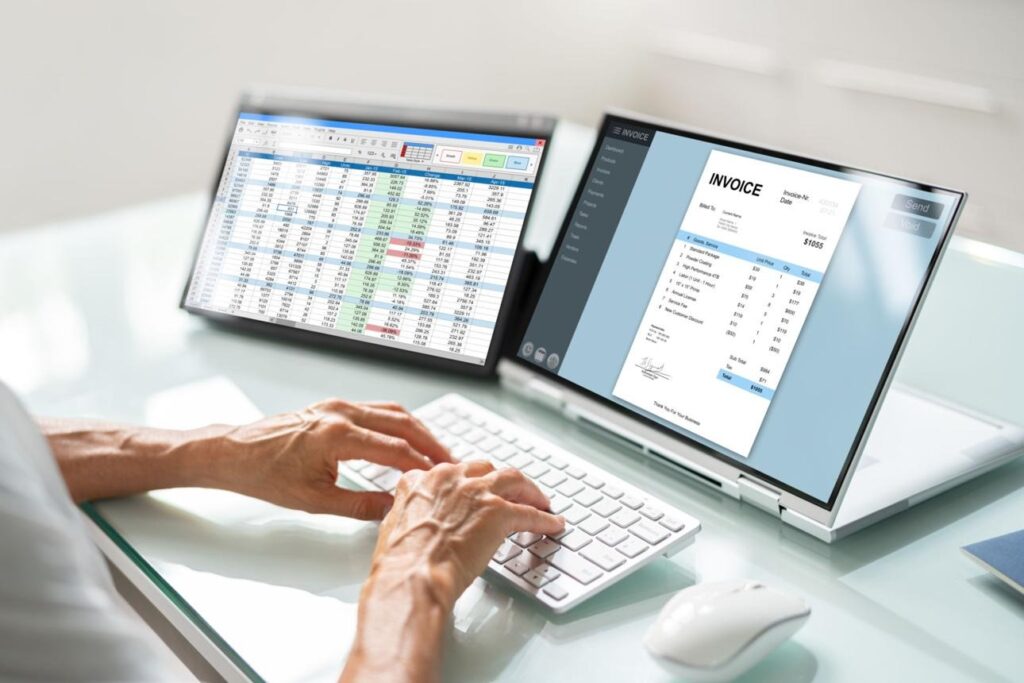
Many users need previous bills for:
- Visa applications
- Home rental documents
- Company reimbursement
- Personal records
- Financial planning
Simply log in to your account, open Billing History, choose the month you need, and download the PDF copy.
Understanding Your Electricity Charges
Many customers only look at the total amount without understanding how it is calculated.
Your electricity bill generally includes:
| Charge | Meaning |
| Electricity Consumption | Units (kWh) used |
| Water Consumption | Water usage during the billing period |
| Service Charges | Applicable utility fees |
| VAT | Government tax |
| Previous Balance | Unpaid amount from earlier bills |
| Total Amount | Final payable amount |
Knowing these sections helps you monitor your monthly usage and identify unusual increases.
Why Is My FEWA Bill Higher Than Normal?

A sudden increase in your bill can happen for several reasons.
Increased Air Conditioner Usage
During the hot summer months, air conditioning often runs for longer hours, significantly increasing electricity consumption.
More Household Appliances
Adding appliances such as:
- Water heaters
- Electric ovens
- Washing machines
- Dryers
can increase your monthly bill.
Water Leaks
Even a small leak may lead to higher water consumption over time.
More Family Members
Additional people in the home usually mean greater use of water and electricity.
Seasonal Changes
Electricity usage often rises during summer due to cooling needs.
Common FEWA Bill Problems and Solutions
| Problem | Possible Solution |
| Bill not showing | Verify account number |
| Wrong amount | Contact customer support |
| Payment failed | Retry or use another payment method |
| Cannot log in | Reset your password |
| Duplicate payment | Keep receipt and contact support |
| Bill delayed | Wait for billing cycle to complete |
How to Reduce Your Monthly Electricity Bill
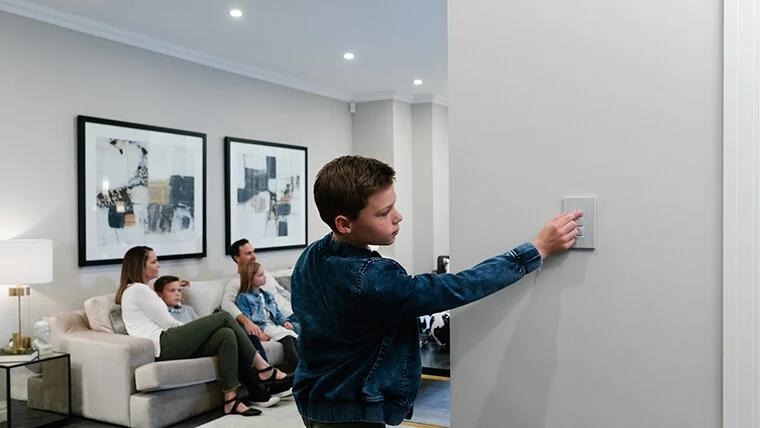
Saving electricity not only reduces your bill but also helps conserve energy.
Here are some practical tips:
Use LED Bulbs
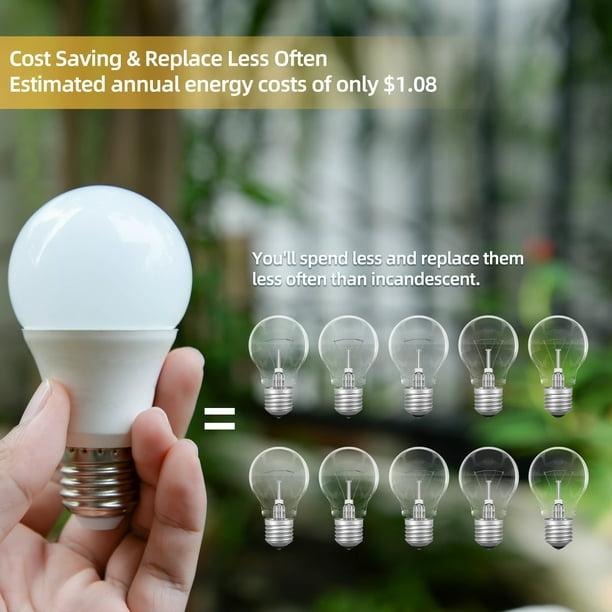
LED lights consume much less electricity than traditional bulbs and last longer.
Set Your AC Wisely
Keep your air conditioner between 24°C and 26°C for a balance between comfort and energy efficiency.
Turn Off Unused Appliances
Switch off lights, televisions, and chargers when they are not in use.
Clean Air Conditioner Filters
Dirty filters make the AC work harder, increasing electricity usage.
Repair Water Leaks Quickly
Fixing leaking taps or pipes can prevent unnecessary water charges.
Use Energy-Efficient Appliances
Modern appliances often consume less electricity than older models.
FEWA vs DEWA vs SEWA – What’s the Difference?

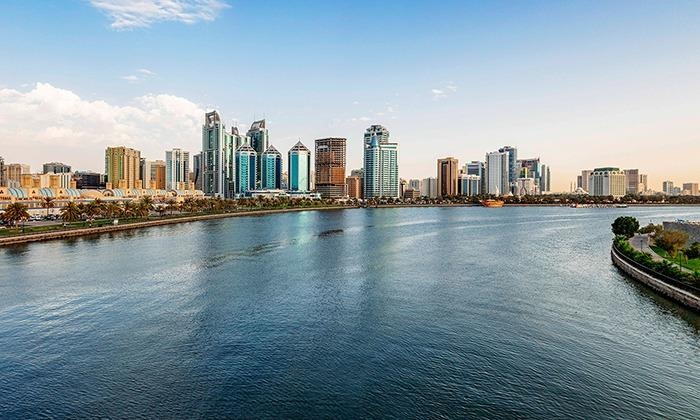
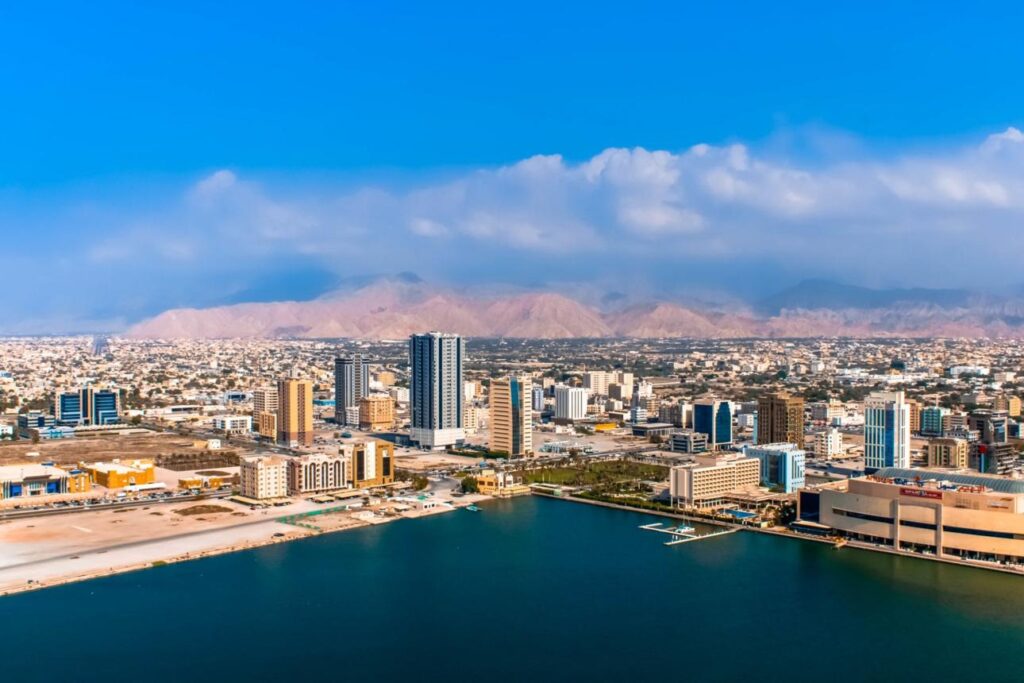
Many people moving within the UAE get confused about which utility company serves their area. Although all three provide electricity and water services, they operate in different Emirates.
| Utility Provider | Areas Covered | Main Services |
| Etihad Water and Electricity (Former FEWA) | Ajman, Ras Al Khaimah, Fujairah, Umm Al Quwain and some Northern regions | Electricity & Water |
| DEWA | Dubai | Electricity & Water |
| SEWA | Sharjah | Electricity, Water & Gas |
Before applying for a new connection or checking your bill, always make sure you are using the correct utility provider for your Emirate.
How to Apply for a New FEWA (EtihadWE) Connection

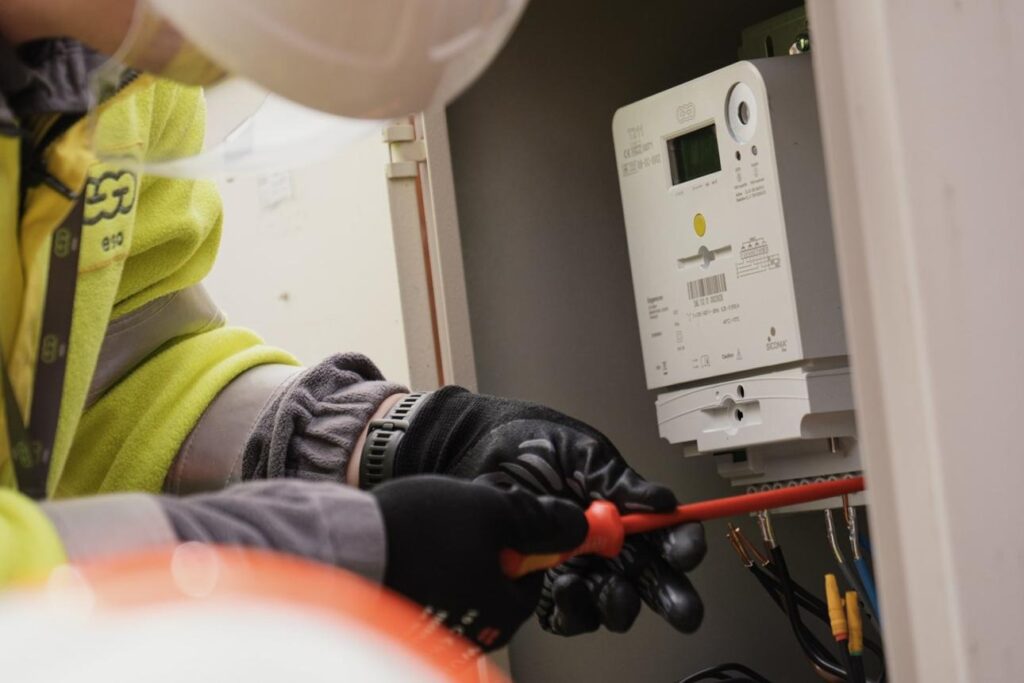
If you’ve moved into a new apartment or villa, you’ll need to activate your electricity and water connection.
Documents You May Need
Prepare the following:
- Emirates ID
- Tenancy contract
- Title deed (for property owners)
- Passport copy (if required)
- Mobile number
- Email address
Keeping these documents ready can speed up the application process.
How to Transfer Your Utility Account
If you’re moving to a different property within the service area, you can transfer your account.
The usual process includes:
- Log in to your online account.
- Select Transfer Service.
- Enter the details of your new property.
- Upload the required documents.
- Submit your request.
- Wait for confirmation.
This helps ensure a smooth transition without interrupting your utility services.
How to Cancel a FEWA Account
If you’re leaving your property permanently, it’s important to close your account to avoid future charges.
Steps to Cancel
- Pay any outstanding balance.
- Submit a cancellation request.
- Provide your final meter reading (if requested).
- Receive your final bill.
- Collect any eligible security deposit refund.
Always keep a copy of the cancellation confirmation for your records.
How to Contact Customer Support

If you experience billing issues or need assistance, customer support can help with:
- Bill inquiries
- Payment problems
- New connections
- Service transfers
- Account updates
- Meter-related concerns
- Water supply issues
- Technical complaints
When contacting support, keep your account number ready to help speed up the process.
Common Mistakes to Avoid
Many customers accidentally make errors that delay payments or create confusion.
Avoid these common mistakes:
- Entering the wrong account number
- Missing the bill due date
- Ignoring unusually high bills
- Forgetting to download payment receipts
- Using outdated contact information
- Waiting until the last day to pay
A quick review before making a payment can help prevent these issues.
Tips to Manage Your Utility Account Better
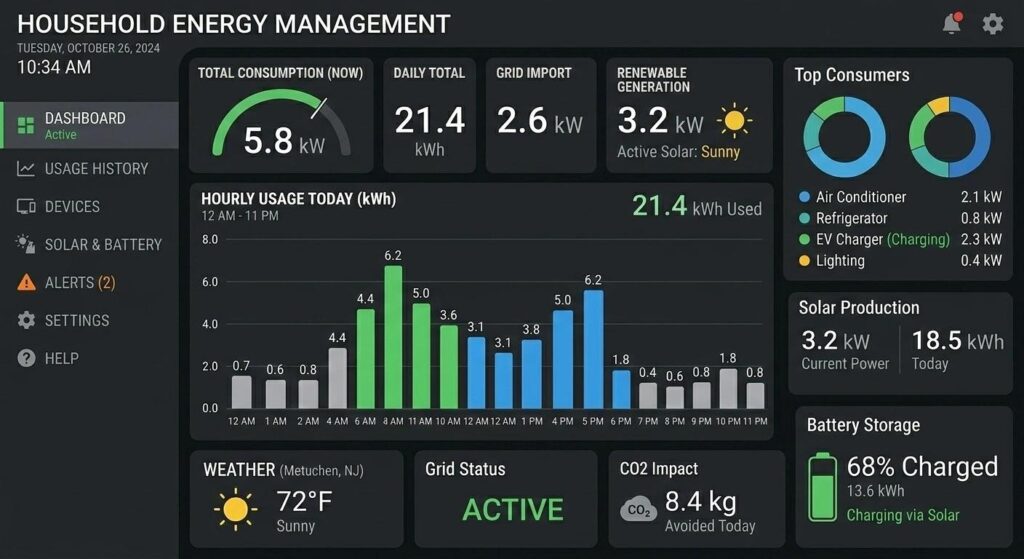
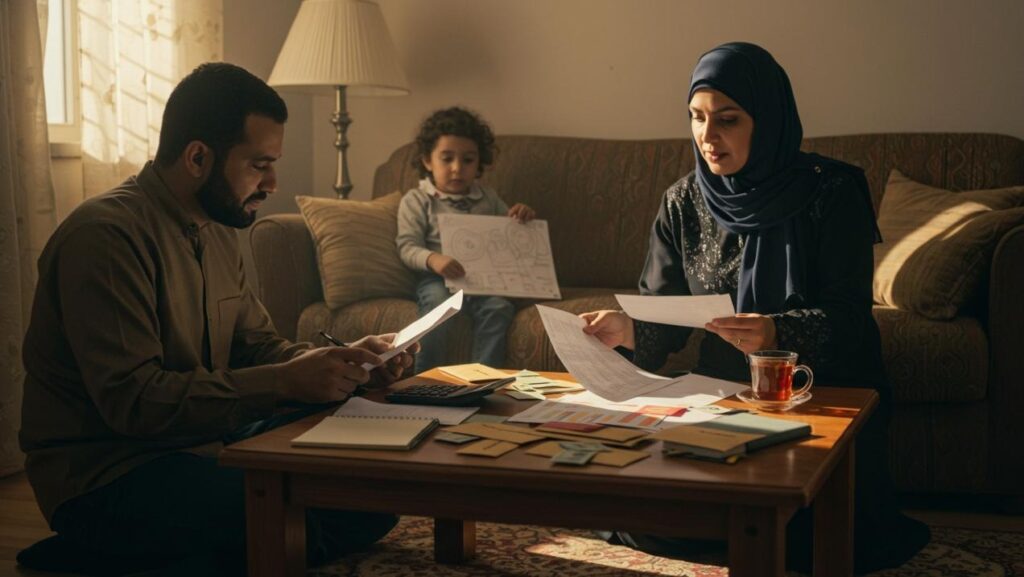
Good account management can save both time and money.
Here are some useful habits:
- Check your bill every month.
- Monitor your electricity and water usage.
- Download invoices for future reference.
- Update your mobile number and email address if they change.
- Pay bills before the due date.
- Report any unusual consumption quickly.
These simple steps can help you stay on top of your household expenses.
Frequently Asked Questions (FAQs)
1. Is FEWA still available?
No. FEWA has been rebranded as Etihad Water and Electricity (EtihadWE). However, many people still use the term “FEWA” when searching online.
2. Can I check my FEWA bill online?
Yes. You can view your current bill, payment history, and outstanding balance through the official online services.
3. What information do I need to check my bill?
In most cases, you’ll need your utility account number. Some services may also require additional account verification.
4. Can I download my previous bills?
Yes. Previous bills are generally available through your online account and can be downloaded as PDF files.
5. What happens if I don’t pay my bill on time?
Late payment may result in reminders, additional actions according to the provider’s policies, or interruption of services if the bill remains unpaid for an extended period.
6. Can I pay my bill from outside the UAE?
Yes. Online payment options allow many customers to pay their bills from abroad using supported payment methods.
7. How often are FEWA bills generated?
Utility bills are typically generated on a monthly basis, though the exact billing cycle may vary depending on your account.
8. Is the mobile app free to use?
Yes. The official mobile app is free to download and provides access to bill checking, payments, account management, and service requests.